Key Features & How They Work
Flexible Filtering and Searching (Strategy Pattern)
To avoid messy and long if-else blocks when filtering game lists (like separating standard searches from a user’s favorites), I used the Strategy design pattern. This separates the search logic from the main application code, making it easy to add new filtering rules in the future without breaking existing features.
Efficient Data Pagination
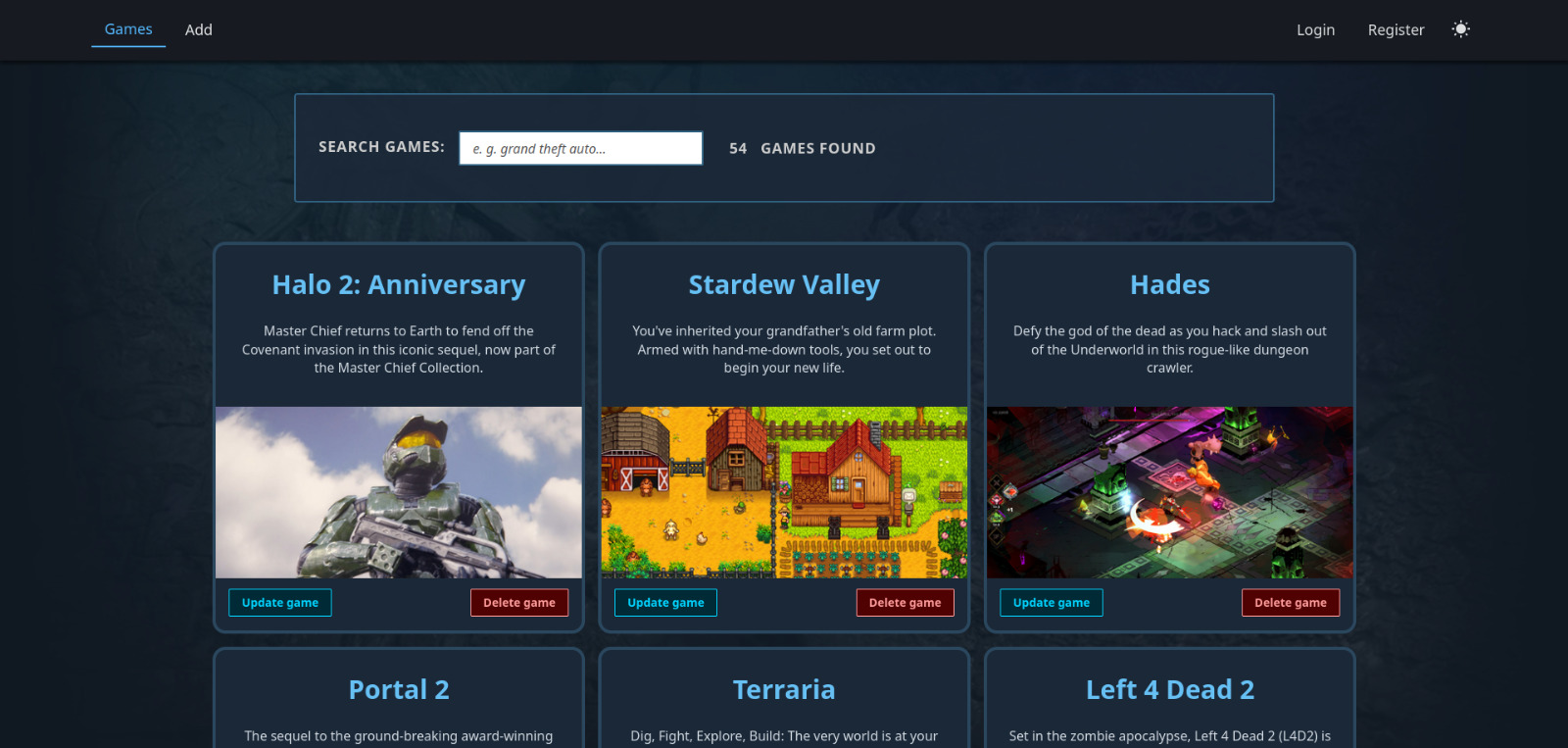
To prevent loading thousands of games at once and slowing down the app, the game catalog uses server-side pagination. The frontend requests specific data chunks using Pageable queries (such as ?size=9&sort=title,asc). The Spring Boot backend processes these requests and wraps the database results into standard PagedModels, sending the frontend only the exact items and navigation metadata it needs for that specific view.
Secure User Authentication (Spring Security & JWT)
The app uses a stateless authentication system with Spring Security and JWT tokens. To protect user data from Cross-Site Scripting (XSS) attacks, tokens are never stored in localStorage. Instead, they are sent via secure HttpOnly cookies. An Angular HTTP interceptor automatically adds these cookies to API requests, keeping the user logged in safely.
AI Chatbot Integration (Function Calling)
Instead of just using standard text forms, users can talk to an AI Chatbot using natural language. Using OpenAI’s Function Calling, the AI figures out what the user wants to do (like adding a game to the website, or bookmark it to their library) and securely runs the right backend service to update the MySQL database.
Speeding Up API Requests (Two-Layer Caching)
Fetching data from Steam, IGDB, and the AI service can slow down the app. To fix this, I set up caching in two places:
- On the frontend (Angular): It saves recently viewed pages inside the NgRx Signals Store so the app doesn’t have to request the same data from the backend when clicking back and forth.
- On the backend (Spring Boot): It uses Spring Cache to temporarily store data from external APIs (like game news). This reduces API traffic, prevents hitting rate limits, and makes pages load faster.
Tech Stack Details
Backend (Spring Boot)
- Organized into clear modules following SOLID principles to keep the codebase easy to maintain.
- Uses
@Validtags to check incoming user data automatically and a@ControllerAdvicefile to catch backend errors and turn them into clean, readable messages for the frontend. - Uses data mappers (
converters) to separate database entities from the data sent to the user, keeping the database layer hidden and safe.
Frontend (Angular)
- Organized folder structure by features (like authentication, user, games) and shared components to keep code reusable.
- Uses NgRx Signals for state management, making the UI highly responsive and avoiding complex RxJS subscription code.
- Uses route guards and resolvers to load text and image data before rendering a page, preventing layout shifting, screen flickering and unauthorized access to pages.
- Written using SASS for styling, with careful attention to color contrast to meet basic web accessibility rules.
Infrastructure & Deployment
- Hosted on a self-managed Linux Virtual Private Server (VPS).
- Uses an Nginx Reverse Proxy to handle incoming web traffic, configure SSL certificates (HTTPS), and route requests to the backend application.
- Deployments are automated using simple shell scripts. A custom
set-env.jsscript injects environment variables into the frontend during build time to decouple production variables from development variables.